
The 2026 releases turn IPBases from a trademark records system into a full IP practice platform — Madrid Protocol module, filing wizard, online payments, associate portal, renewal automation, email marketing, and a built-in CMS.
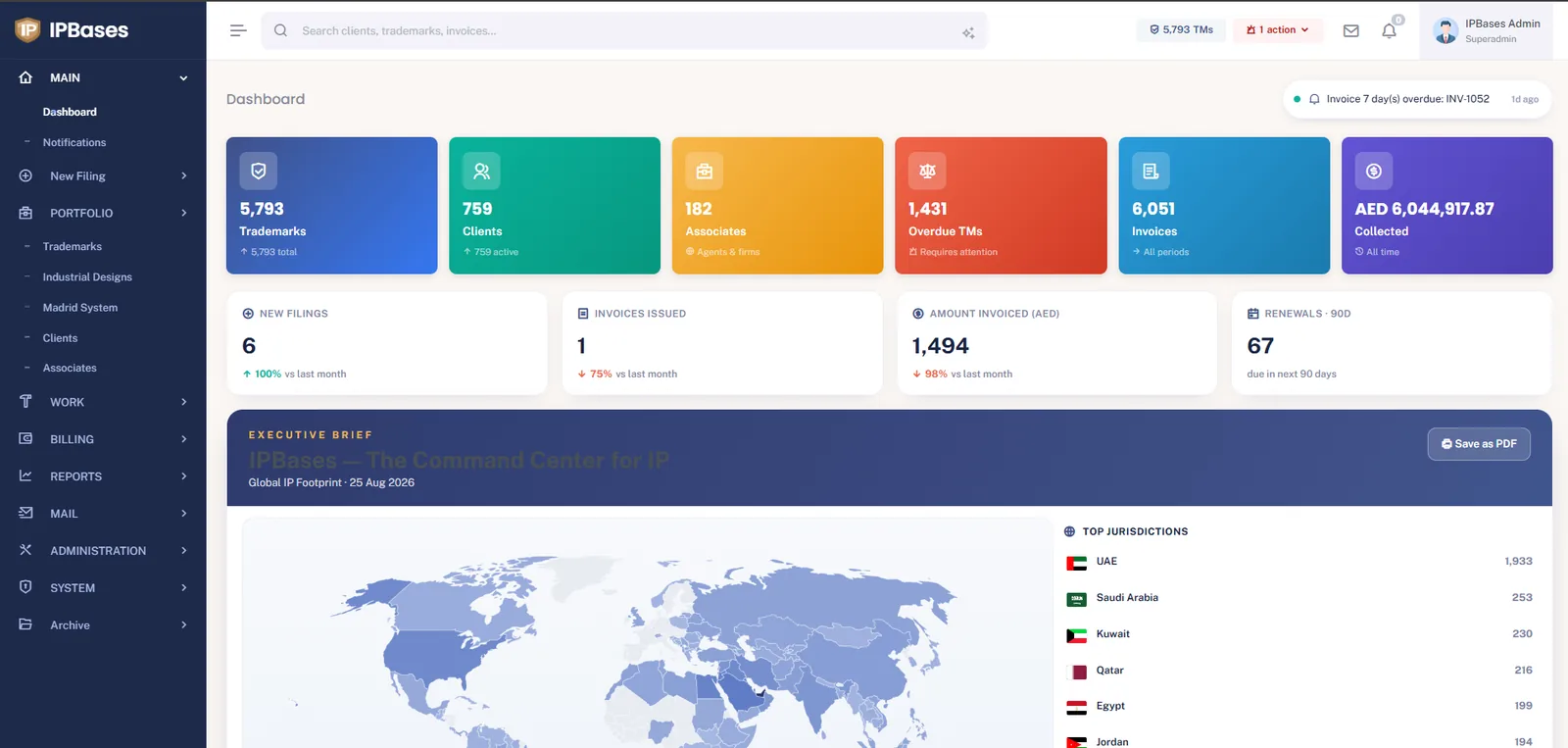
Over the past few months IPBases has shipped its largest set of updates since launch. The short version: the system now covers the full working day of an IP practice — not just the trademark records, but the filing workflow around them, the money side, client and associate communication, and even the firm’s public website. This post walks through everything that’s new in the 2026 releases and why each piece matters for a working trademark management system.
Madrid filings are no longer flat trademark rows. IPBases now models a WIPO International Registration as a parent record with a designation per country — each designation carrying its own status (pending, provisional refusal, registered) and each one linkable to a national trademark record where it makes sense. Renewals follow the WIPO cycle, not the national one.
The background on why this structure matters is in our Madrid Protocol software guide — now updated for the new module.
Creating a trademark now starts with a route chooser: national filing in a single country, the same mark across multiple countries at once, or a Madrid Protocol filing. From there, the 4-step wizard carries the record through the parts that used to live in separate screens:
This is what a workflow for trademarks should look like: one path from instruction to filed-invoiced-notified, with nothing left in a side spreadsheet.
Step 4 of the wizard is a full client-update engine: pick a template, and the system merges in the trademark’s live data (mark, application number, status, dates), shows you a preview, then sends by email — or hands you a pre-filled WhatsApp message for clients who live on their phone. Every update is logged against the matter, so “did we tell the client?” has an answer in the record, not in someone’s memory.
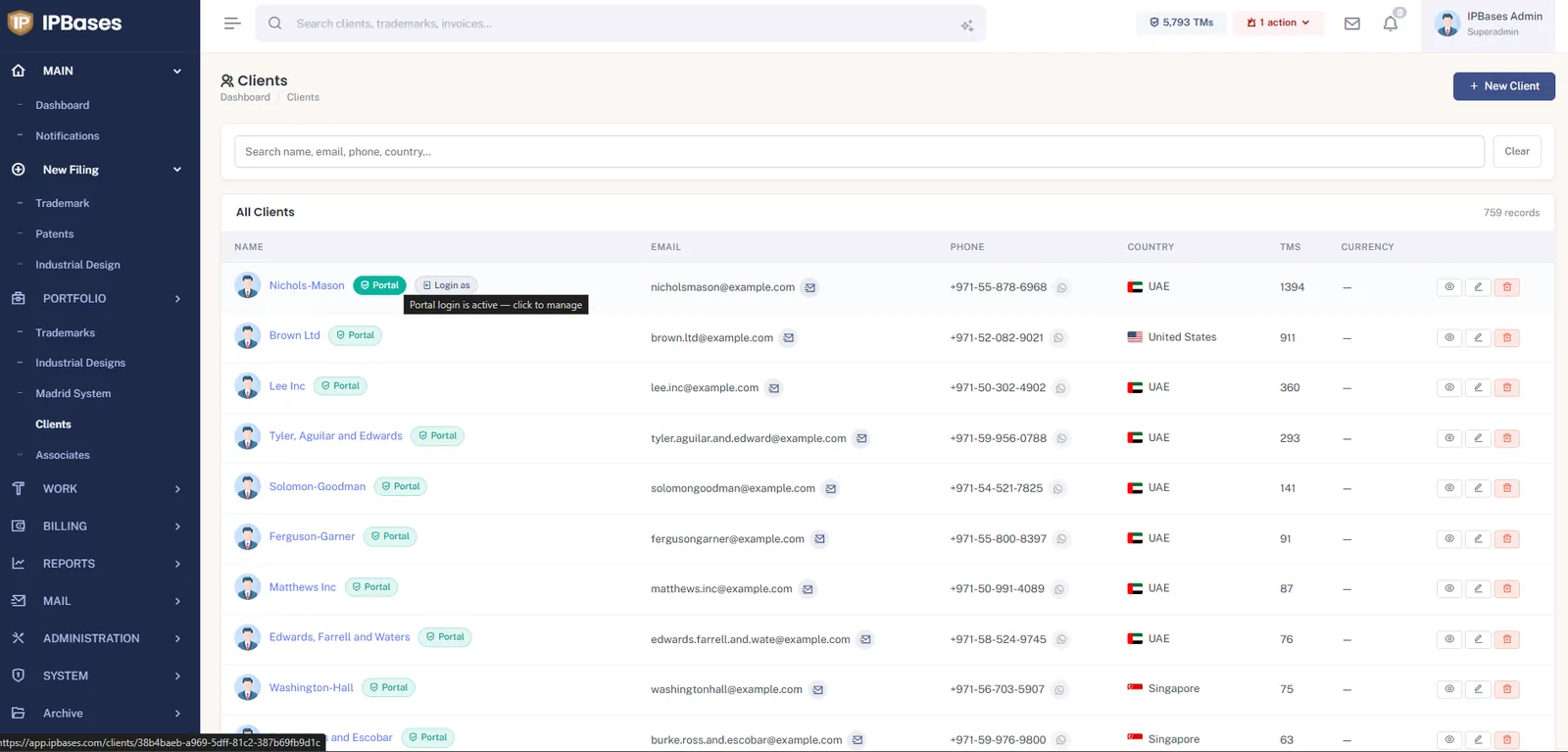
Invoices in the client portal (and on the staff side) now carry a Pay Now button backed by Stripe Checkout. The security model is strict by design: opening a checkout page never marks anything paid — only a verified Stripe event confirms payment and updates the invoice. Clients pay by card in their own currency flow; your team stops chasing bank-transfer screenshots.
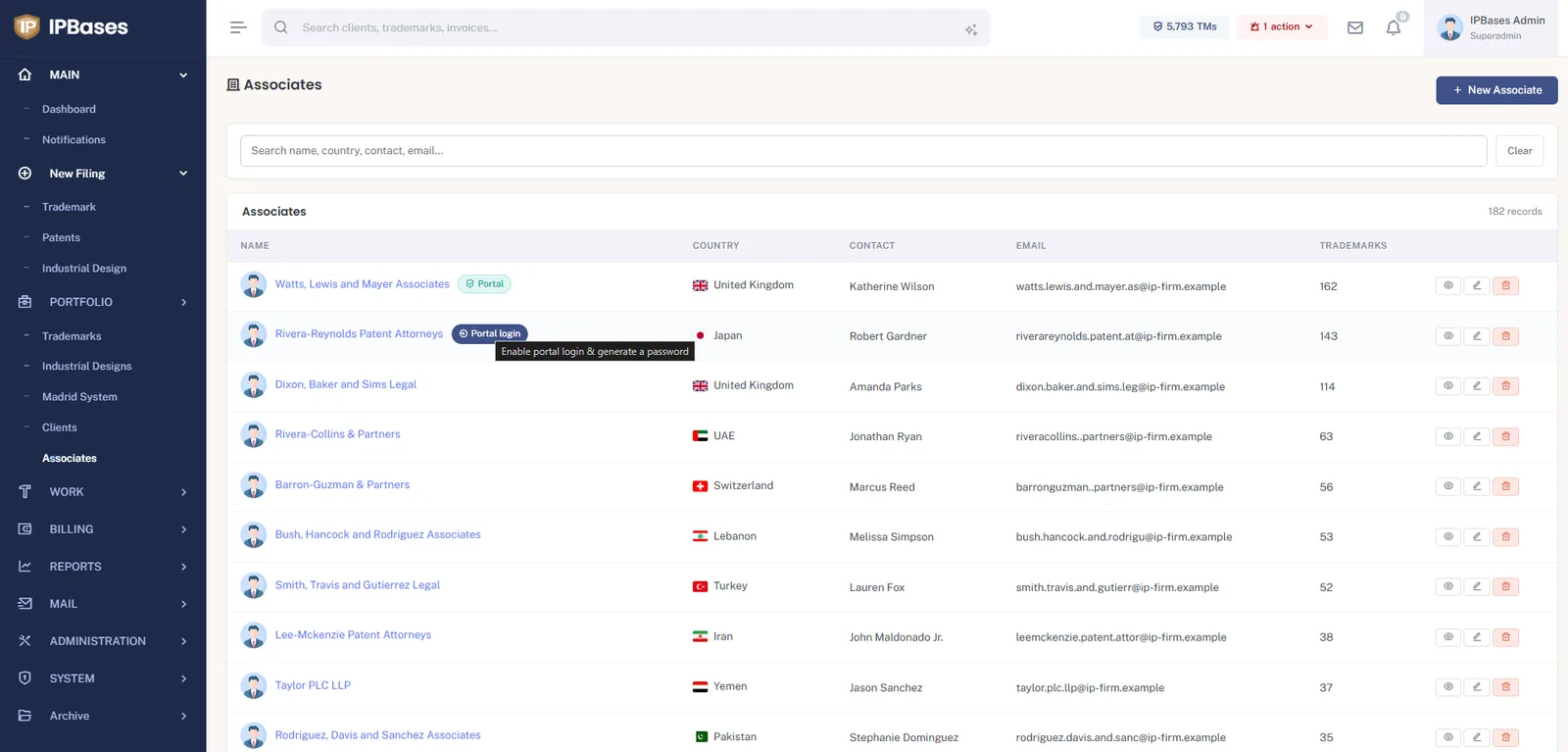
Alongside the client portal, IPBases now has a view-only associate portal. A foreign agent signs in and sees exactly one slice of the system: the clients routed through them, and those clients’ trademarks — nothing else. Every section of the portal is individually switchable by the admin, and the restriction is enforced server-side, not just hidden in the menu. For firms running regional networks across the GCC and beyond, this replaces the weekly “status list” email entirely.
Renewal chasing is now automated end-to-end. An automation panel lets admins set the reminder policy, run the renewal check on demand, send a test email to verify delivery, and review a log of what went out. From the renewal report, one click sends a client a single grouped reminder covering all of their marks due in the window — a clean table of marks and dates, not ten separate emails. The full picture of how docketing and renewals work is in our docketing & renewal guide, also updated.
A new email-marketing module lets the firm build a campaign — subject plus a mobile-responsive HTML body with images — import recipients by paste or CSV, preview, and send in batches through the same Mailgun path your client email already uses. It’s outbound-only, with a public unsubscribe link, and it never touches the inbound reply flow.
IPBases can now run the firm’s public website from inside the system: pages, blog posts, a media library, menus, redirects, and an HTML importer for bringing an existing site in. One login, one database, one backup — the practice system and the site it markets are the same install.
Every feature in this post ships in the current IPBases release — self-hosted, perpetual license, your data on your servers.
Book a demo → See pricing →