
A trademark spreadsheet template, and how to know when you have outgrown it
Most trademark portfolios start in a spreadsheet, and for a small one that is fine. Here are the columns worth tracking, a free template, the rules that keep the sheet accurate, and the signs it is time to move.

The columns to track
| Column | What goes in it |
|---|---|
| Our ref | Your matter number |
| Client | Owner or instructing client |
| Client ref | Their reference |
| Associate / Associate ref | If the work came from a foreign associate |
| Mark | The word mark, and a link to the logo file |
| Country / office | One row per mark per country |
| Route | National or Madrid (with the IR number) |
| Application no. / Filing date | From the filing receipt |
| Classes | Nice classes, comma-separated |
| Status | From a fixed drop-down list |
| Publication date / Opposition deadline | From the publication notice |
| Registration no. / Registration date | From the certificate |
| Renewal date | Check the country’s rule: from filing or from registration |
| Next action / Official deadline / Internal date | What must happen next, and by when |
| Responsible | One named person |
| Last checked / Checked by | When the row was last compared with the official register |
Download the free template (CSV). It opens in Excel, Google Sheets or Numbers.
Rules that keep the sheet accurate
- One row per mark per country. A mark filed in five countries is five rows, each with its own numbers and dates.
- Real dates, written one way. Store dates as dates, not text, and display them as 10 Nov 2026 or 2026-11-10 so nobody reads day and month the wrong way round.
- A drop-down for status. Free-text statuses like “Pending (old)” or “Applied??” cannot be sorted or counted.
- Calculate, then check. A formula such as =EDATE(F2,120) adds ten years to a date, but whether the term runs from filing or registration depends on the country.
- One owner for the file. Many editors and no owner is how “FINAL_v7 (2)” happens.
- Sort by the next deadline every week. And highlight anything due in the next 30 days.
- Never merge cells or leave blank rows. They break sorting and filters.
How to update trademark records
When you update the sheet, check each row against the office’s online register, not memory or old emails. Record the date you checked and who checked it, in the last two columns, so you know how fresh each row is. Do the same for any mark a client asks about before you answer.
Signs you have outgrown the spreadsheet
- You have had a near miss on a renewal or an office action deadline.
- More than one person edits the file, and nobody is sure which copy is current.
- Documents live in folders that do not match the rows.
- Clients ask for status updates and someone has to build them by hand.
- Invoices are made somewhere else, and nobody can tell which marks have been billed.
- The portfolio has grown past what one person can check in an afternoon.
Moving from the spreadsheet to IPBases
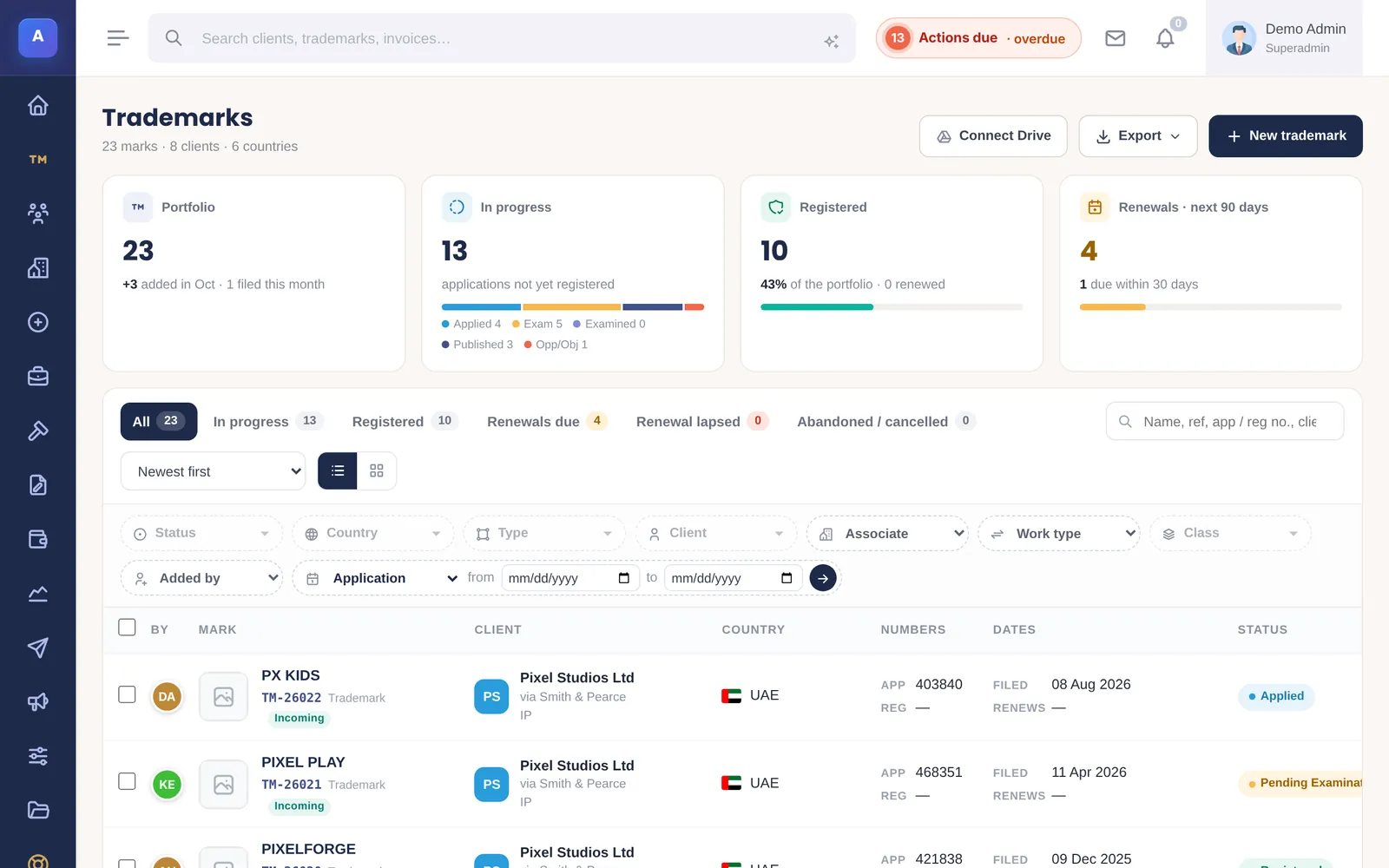
In IPBases, every row becomes a trademark record with its deadlines, documents, emails and invoices attached. Renewal reminders go out on their own, clients see their marks in their own portal, and every change is recorded.
You don’t have to retype anything. Send us your spreadsheet and we move your existing records in for you as part of setup, so you can check them before you switch.
Frequently asked questions
What should a trademark spreadsheet include?
One row per mark per country with your reference, client, mark, country, filing route, application number and date, classes, status, publication and opposition dates, registration number and date, renewal date, the next action with its official and internal deadlines, the person responsible, and when the row was last checked.
How do I calculate a trademark renewal date in Excel?
Use =EDATE(date,120) to add ten years to a date, but first check whether the country counts the term from the filing date or the registration date.