
IP docketing best practices: how to prevent docketing errors, and fix them
Most missed IP deadlines are not caused by careless people. They come from gaps in the process: a date typed once and never checked, a letter nobody docketed, a status nobody updated. Close the gaps and the errors stop.
Where docketing errors come from
Look at any missed or wrong deadline and it usually traces back to one of a handful of causes:
- Manual date calculation. Someone works out a deadline from a filing or notification date and gets the period, the start date or the country rule wrong.
- Mail that never reached the docket. An office letter arrives by email, gets read, and is never turned into a deadline.
- Day and month swapped. 10/11 is 10 November in Dubai and 11 October in New York.
- One person holds the knowledge. The deadline lives in one paralegal’s calendar, and they are on leave.
- Statuses that drift. The mark was registered months ago, but the record still says “Published”, so the next deadlines were never added.
- Duplicates. The same mark entered twice, one copy updated and the other not.
- Deleted instead of closed. A deadline removed by mistake leaves no trace that it ever existed.
Best practices that prevent errors
Docket from the source document
Every deadline should come from a document you can point to: the filing receipt, the office action, the publication notice. Keep that document on the same record as the deadline, so anyone can check it.
Keep two dates on every deadline
Record the official deadline and your own internal target, a week or more earlier. The team works to the internal date; the official date is the line that must never be crossed.
Have a second person check new deadlines
The person who enters a deadline should not be the only one who checks it. A short daily review of deadlines added in the last 24 hours catches most calculation mistakes while they are cheap to fix.
Give every deadline one owner
A deadline “for the team” belongs to nobody. Assign each one to a named person, with a backup when they are away.
Remind more than once
One reminder is easy to miss. Several, for example 14, 7, 3 and 1 days before, give people time to act and escalate.
Write dates without ambiguity
Use a format that cannot be misread, such as 10 Nov 2026 or 2026-11-10, in records, emails and reports.
Close, don’t delete
When a deadline is met or no longer applies, mark it complete with a note. Your history should show what was due, who handled it and when.
Review the whole docket every week
A weekly look at everything due in the next 30 and 90 days, and at anything overdue, catches what the daily flow misses.
How to fix a docketing error once you find one
- Secure the live deadline first. If a date is wrong, work out the correct one from the source document and act on it before anything else.
- Find out how far it goes. One wrong calculation often means the same mistake on other marks: same country, same deadline type, same person. Run a report for all of them.
- Check against the official record. Compare your dates with the office’s online register for every affected mark.
- Correct and note the reason. Fix each record and write down what was wrong and why, so the change is understood later.
- Tell the client if they are affected. If a deadline was missed, many offices allow some form of restoration or extension, but often only for a short time, so speed matters.
- Fix the cause, not just the date. Change the step that let the error in: a missing check, an unclear rule, a mailbox nobody watched.
How IPBases supports accurate docketing
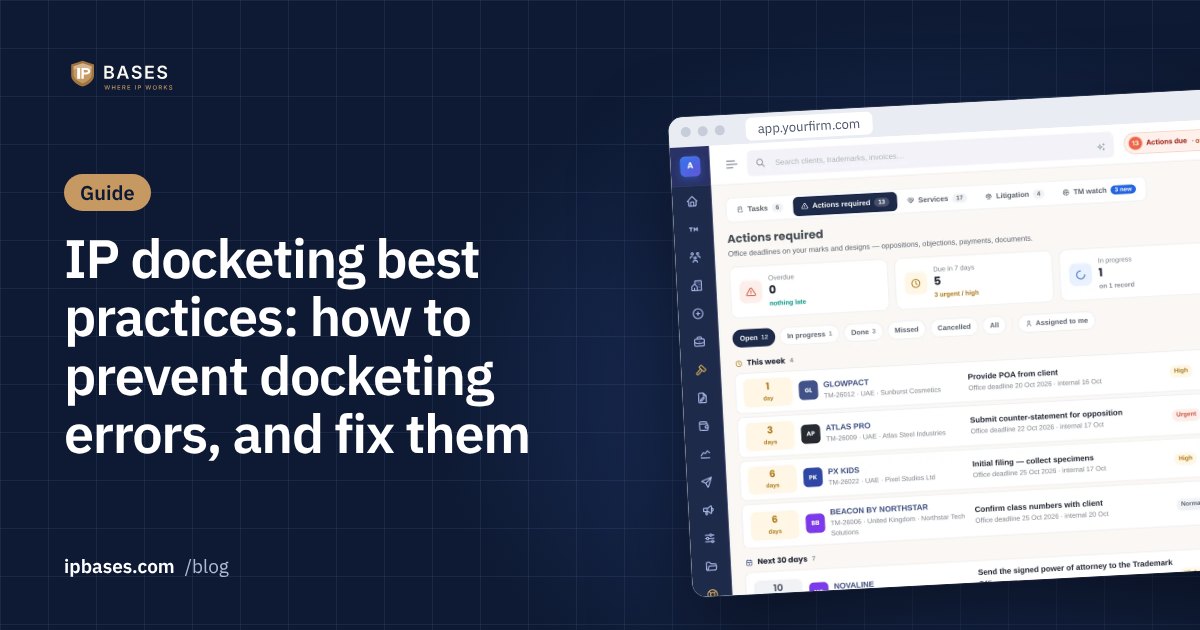
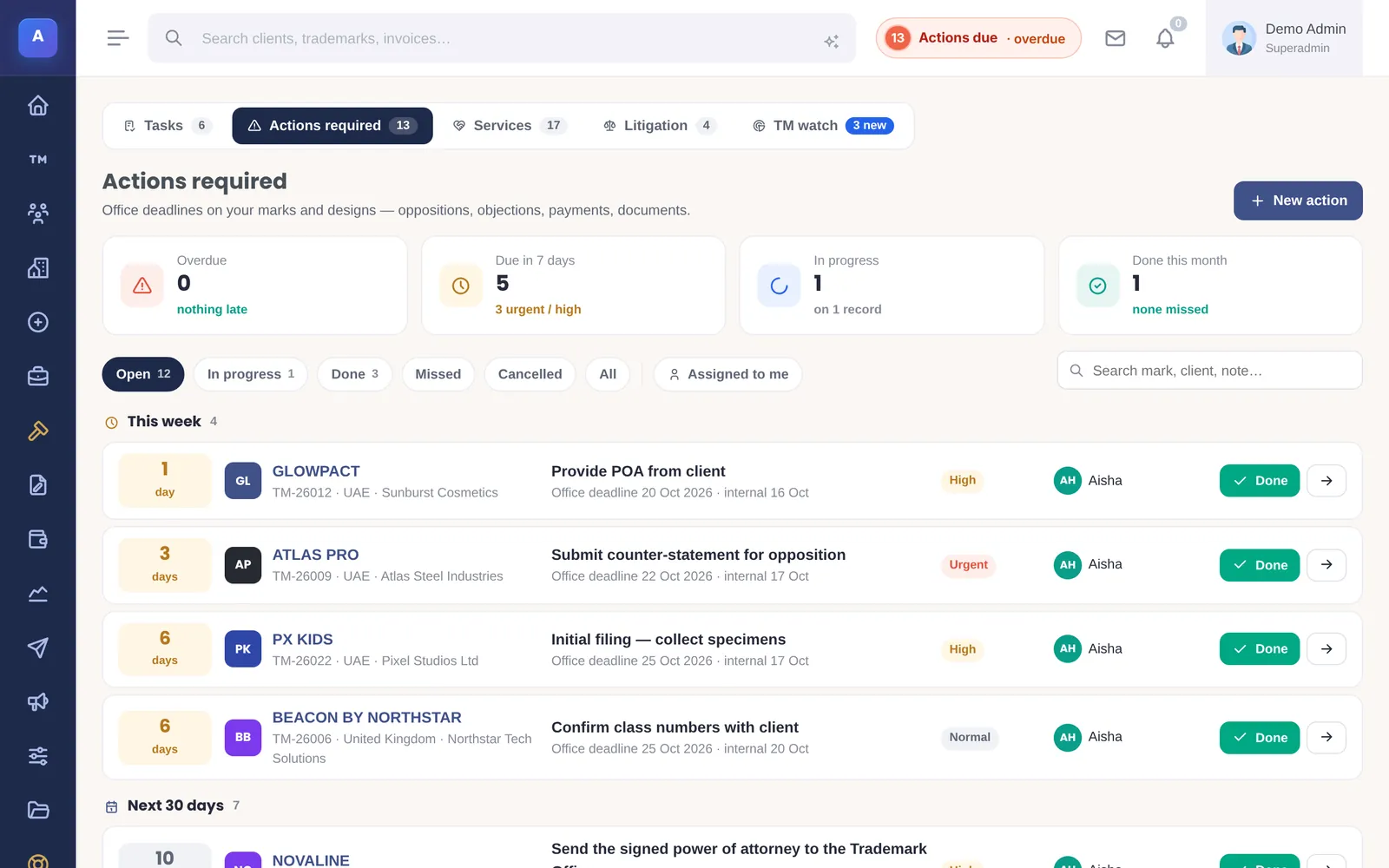
- Two dates on every action: each “Action Required” item has the official deadline and your internal date, an assignee and a priority, with reminders before it is due (by default 14, 7, 3 and 1 days, and you can change them).
- Next steps worked out from the record: IPBases looks at each mark’s stage, dates, files, emails and invoices and suggests what it needs next, with the reason for each suggestion.
- Duplicate warning: a mark with the same country, number and classes as an existing one is flagged before it becomes a second record.
- Audit log: who changed which field, from what to what, and when, exportable to CSV.
- Watch service: conflicting marks found in published applications can be turned into an action carrying the opposition deadline.
- Reports: renewals and deadlines due or overdue, by client, country or status, exportable for your weekly review.
Docketing checklist
- Every deadline linked to its source document
- Official and internal date on every deadline
- A named owner and a backup
- New deadlines checked by a second person
- Reminders at several intervals
- Dates written without ambiguity
- Completed deadlines closed with a note, never deleted
- A weekly review of the next 30 and 90 days
- A change history you can search
Frequently asked questions
What causes most IP docketing errors?
Manual date calculation, office letters that never reach the docket, ambiguous date formats, deadlines held by one person, statuses that are not updated, and duplicate records.
How do you fix an IP docketing error?
Secure the live deadline first, find every record affected by the same mistake, check them against the official register, correct them with a note of the reason, tell affected clients quickly, and change the step in the process that let the error in.