
IP document management: how trademark firms should organise their files
A single trademark creates dozens of documents over its life. When they live in shared folders and inboxes, finding the right one takes longer than the work itself. Here is a structure that keeps every document where people expect it.
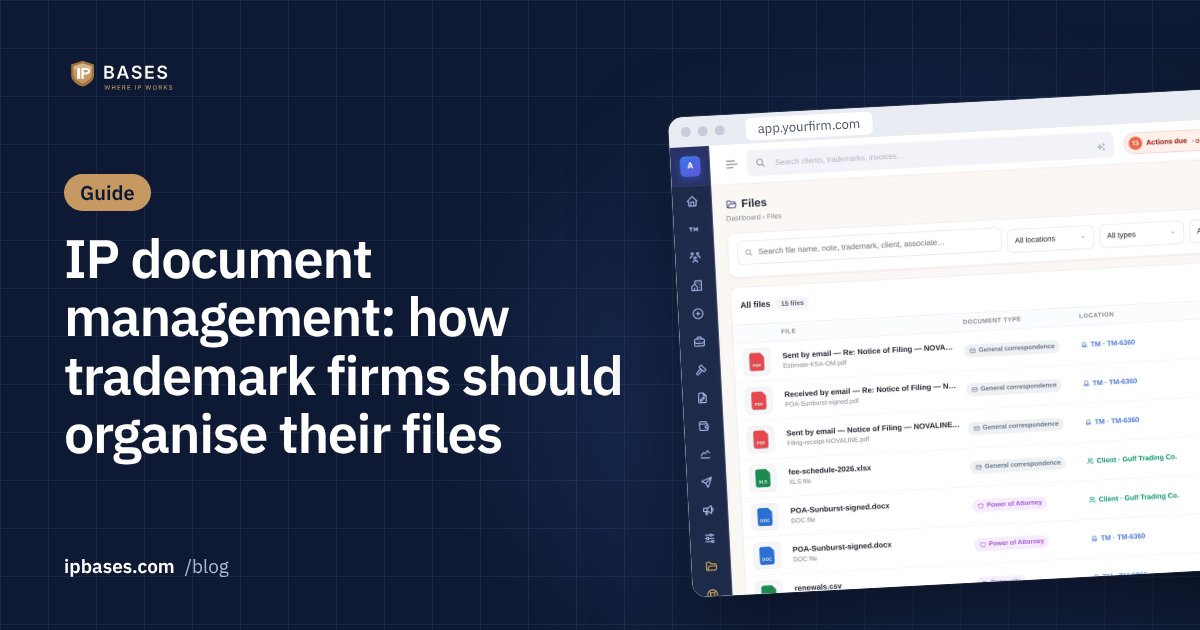
What one trademark produces
From instruction to renewal, a mark collects a long paper trail:
- The client’s instruction and the logo or specimen
- Power of attorney and any priority documents
- The filing receipt and application details
- Office actions, your responses and any extensions
- Acceptance and publication notices
- Oppositions and their evidence
- The registration certificate
- Renewal instructions and receipts
- Assignments, licences and recordals
- Invoices and fee notes
Why shared drives and inboxes stop working
- Folders are named differently by different people, so documents end up in three places or none.
- The deadline lives in one system and the document that created it in another.
- Clients ask for copies by email, and someone has to find, download and resend them.
- Access is all or nothing: anyone who can open the folder can see everything in it.
- Nobody is sure whether the copy in the inbox or the one on the drive is the final version.
Principles of good IP document management
File every document against its matter
A document belongs to a mark, patent or design, not to a person’s folder. Open the record and every document for it is there.
Use a fixed set of categories
The same categories for every matter, such as Power of attorney, Office action, Certificate and Invoice, so anyone can find anything without asking.
Decide what the client can see
Certificates and filing receipts are the client’s; internal notes and drafts are not. Make visibility a rule of the category, not a choice made file by file.
Keep files on storage you control
Know where your documents are physically stored, who can reach them and how they are backed up. Your clients’ documents are your professional responsibility.
Generate standard documents from the record
Notices, letters and invoices built from the record carry the right numbers and dates every time, and do not need to be retyped.
Back up and test the restore
A backup you have never restored is a hope, not a backup.
How documents work in IPBases
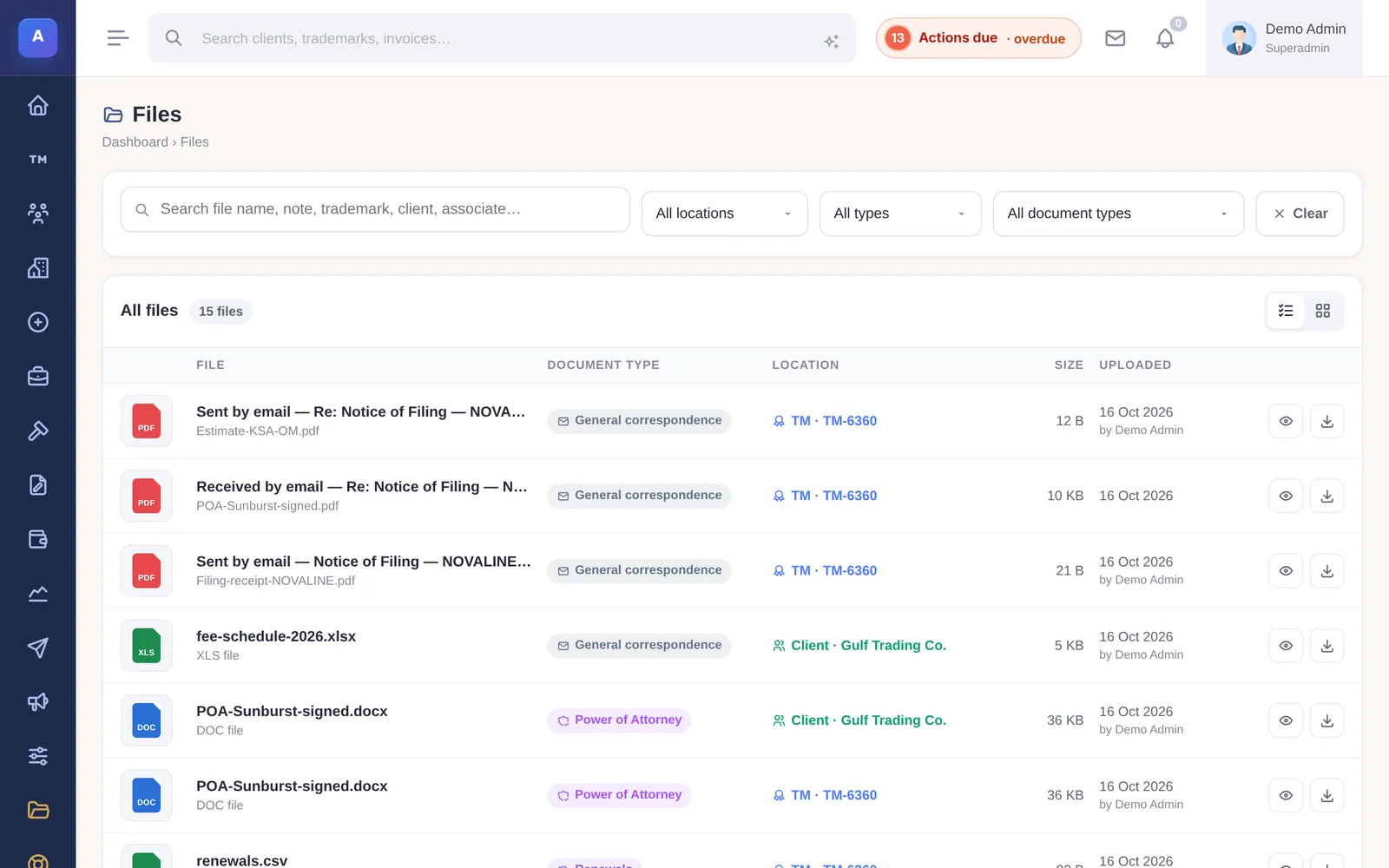
- Files are stored on each trademark, design, client or associate record.
- Twenty-four ready-made file categories that you can switch on or off, reorder and mark as visible to clients.
- Clients download documents from their own portal, but only from their own marks and only in categories you made visible.
- Files are kept on your own server, in your Amazon S3 bucket or in Cloudflare R2, and you can test the connection from the settings.
- You can also copy a mark’s files to a Google Drive folder with one click.
- Client updates in English or Arabic, registration certificates in your colours, and invoice PDFs are produced from the record, and can be attached to the email that goes out.
Document management checklist
- Every document attached to its matter
- One fixed list of categories
- Client visibility set per category
- Storage you control, with daily backups
- Standard letters and invoices generated from the record
- Client self-service for certificates and receipts
Frequently asked questions
What is IP document management software?
Software that stores the documents of trademarks, patents and designs against each matter, in fixed categories, with controlled access for the team and clients, so every document can be found from the record it belongs to.