
Trademark software with Gmail: sending client email through Google Workspace
Clients expect email from your firm’s address, and your team expects replies in the mailbox they already use. When the IP system sends its own notices from somewhere else, conversations split in two. Here is how firms on Google Workspace can keep it in one place.
Why firms want email from their own mailbox
- Familiar sender. A filing notice that comes from the same mailbox as the rest of your correspondence is one the client already recognises.
- One history. Emails sent from the IP system appear in Gmail “Sent”, so the mailbox stays the complete record.
- Replies land in the right place. A client answering a notice should reach both your inbox and the trademark record it is about.
- No extra service. Firms already paying for Google Workspace would rather not run a separate email service for notices.
Three ways software sends client email
| Approach | How it works | Trade-offs |
|---|---|---|
| Copy and forward | The system sends, and blind-copies or forwards to your mailbox | Two copies of everything; replies often go to the system address |
| Email sending service | A service such as Mailgun sends on your domain | Open and click tracking and scheduling; replies need routing back |
| Direct Google Workspace connection | The system sends and reads through your Gmail with your permission | Real “Sent” items and replies in Gmail; no tracking or scheduled sending |
What to check before you connect Gmail
- Who approves it. A connection that only your Workspace accounts can use (an “Internal” Google app) needs no Google review and is set up by your Workspace admin.
- What the system can read. Ask exactly which emails are brought in. The safe default is only mail that belongs to the system: replies to its emails and mail from your clients and associates.
- Where secrets are kept. The app secret and Google permissions should be stored encrypted on your server.
- Sending limits. Google limits how much one mailbox can send a day. That is plenty for client work, renewals and reminders, but not for large campaigns.
- Personal mailboxes. If each lawyer connects their own Gmail, make sure only work mail is brought in, never personal mail.
- The way back. You should be able to switch back to your previous sending method without losing history.
How IPBases works with Google Workspace
From version 2.2, IPBases can send and receive through the firm’s Google Workspace instead of Mailgun, at no extra cost:
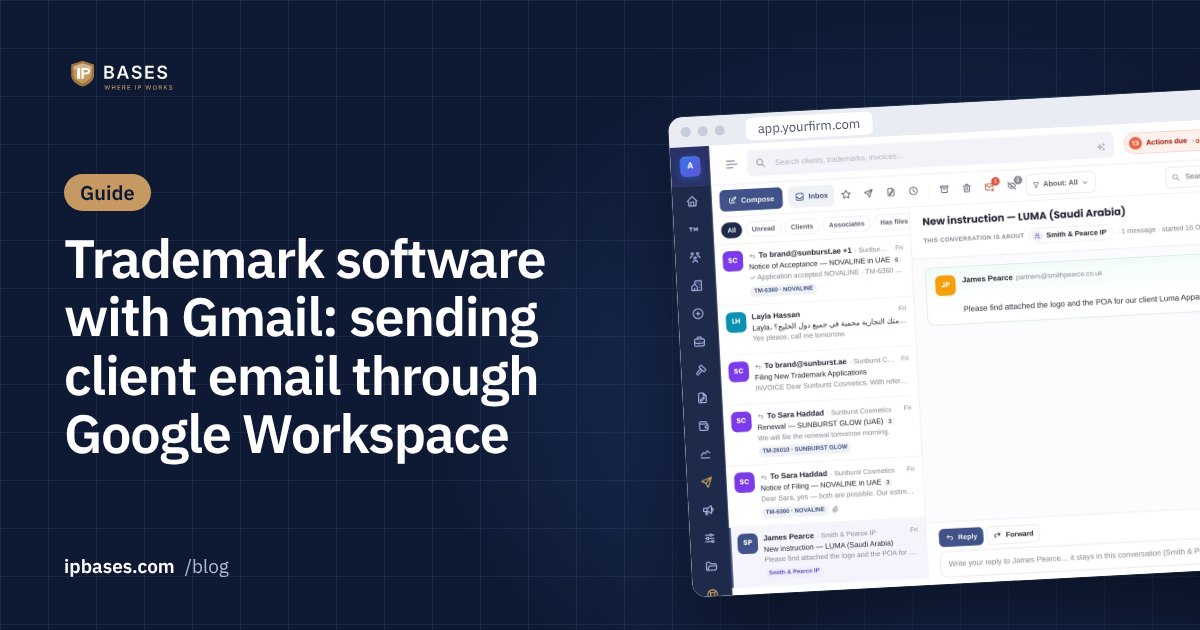
- Emails go out from the firm’s address, show in Gmail “Sent” and are signed by the firm’s own domain.
- Client replies are matched to the right conversation and record, quoted earlier messages are cut off (English and Arabic), and attachments are saved to the record. Spam, drafts and your own sent mail are never brought in.
- What comes in is your choice: only what belongs to IPBases (the default), everything in the firm mailbox, or only mail with a Gmail label.
- Each user can optionally connect their own Gmail, so their emails go out from their own address; users who don’t, send from the firm mailbox.
- Email campaigns go out slowly within Google’s limit (at most 100 an hour and 1,500 a day), or through Mailgun for campaigns only.
- Setup takes about 15 minutes for the Workspace admin, with an “Internal” Google app and a step-by-step guide on the settings page. The secret and permissions are stored encrypted, and the system must run on https.
Open and click tracking and scheduled sending remain Mailgun features. Firms that prefer Mailgun keep it exactly as before, and switching between the two is one click.
Questions to ask any vendor
- Will our emails show in Gmail “Sent”?
- Where do client replies go, and are they linked to the matter?
- Which emails can the system read, and can we limit it?
- Where are the Google credentials stored?
- What happens with large mailings and Google’s sending limit?
- Can each lawyer send from their own address?
Frequently asked questions
Can trademark software send email from Gmail?
Yes, if it connects to Google Workspace. IPBases 2.2 sends and receives through the firm’s Google Workspace, so emails go out from the firm’s address and appear in Gmail “Sent”.
Does connecting Gmail let the software read all our email?
In IPBases, only if you choose that. The default brings in only mail that belongs to IPBases: replies to its emails and mail from your clients and associates.
Is there an extra cost for using Google Workspace?
Not from IPBases. Firms use the Google Workspace they already have.