
Industrial designs
How IPBases records industrial designs: views, Locarno class, Hague details, priority claims, renewal fees and reminders.
- PageIndustrial designs, in the sidebar
- RemindersSystem Setup › Email & Automation › Notifications
- PermissionsThe same as trademarks; Export for CSV; Create invoices to link an invoice
Design records
Industrial designs have their own list and follow the same four-step flow as trademarks. A design needs a name; IPBases gives it the next design reference number and then opens step 2, the invoice.
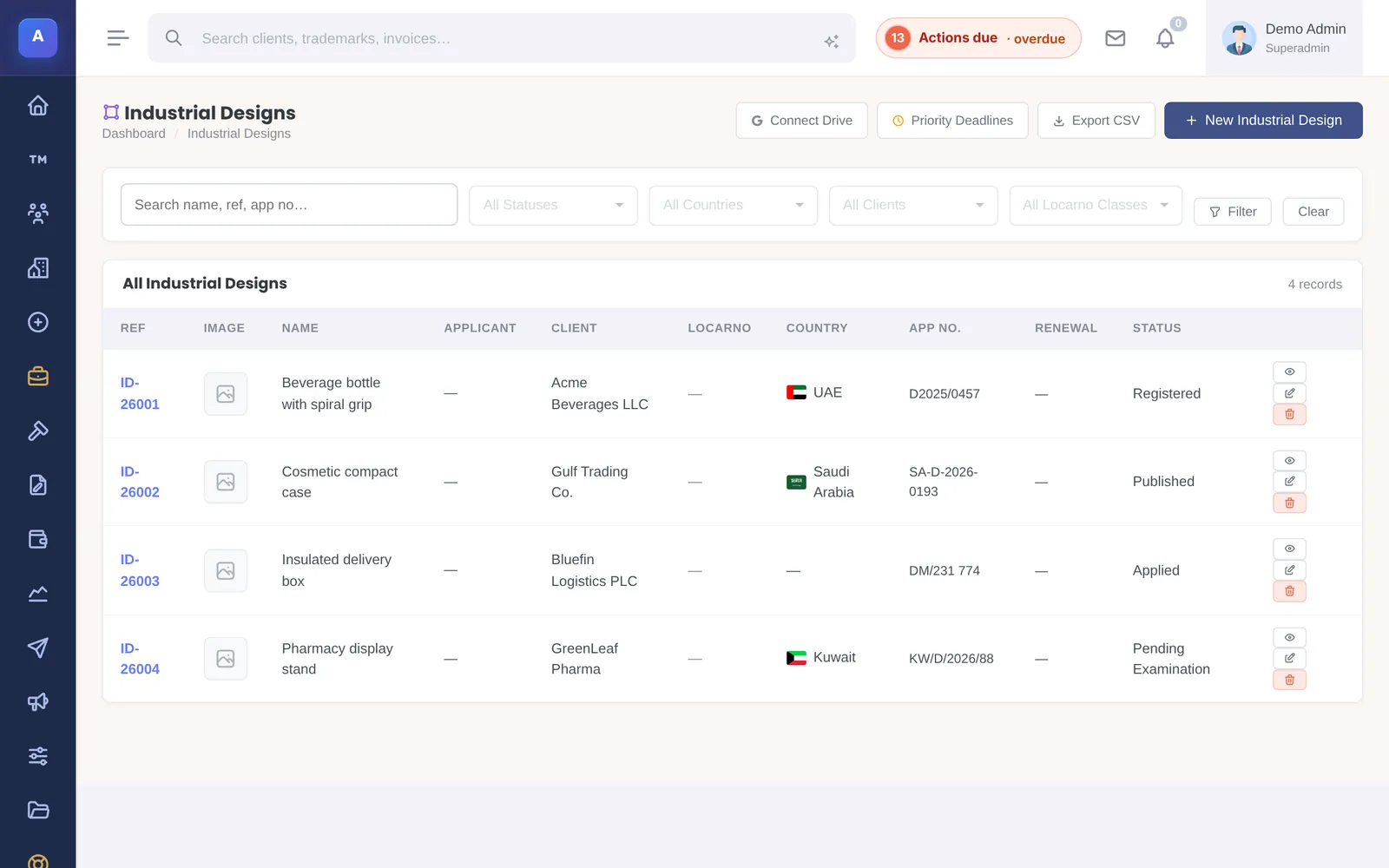
The record holds the design name in English and Arabic, applicant and designer, the product it applies to, its Locarno class, client, country and status, application, registration and renewal dates, Hague application details, the number of variants, the protection term and the certificate number. A design can be linked to a related trademark or patent.
Views and drawings
Upload the design’s views and drawings, put them in order, add a caption to each and choose the main view. Offices usually ask for several views, so they are kept together on the design. Other documents go in the design’s files.
Priority claims and deadlines
Record priority claims on the design; the priority window for designs is six months. The Priority deadlines page lists the priority deadlines across all designs, so none is missed.
Renewal fees and reminders
Keep the renewal fee schedule on the design and mark each fee paid. IPBases can email reminders before priority deadlines and before renewal fees fall due; set the reminder windows in System Setup › Email & Automation › Notifications.
Finding and exporting designs
Search and filter the designs list, including by Locarno class, and export it to CSV.
How it connects
This part of IPBases takes information from the parts on the left and changes what appears in the parts on the right. When you change one of them, check the other.
Uses
Something unclear or out of date? Email [email protected].