
Patents
How IPBases records patents from filing to grant: claims, office actions, priority claims, PCT national phase, annuities and reminders.
- PagePatents, in the sidebar
- RemindersSystem Setup › Email & Automation › Notifications
- PermissionsThe same as trademarks: view, create, edit and delete; Export for CSV
Patent records
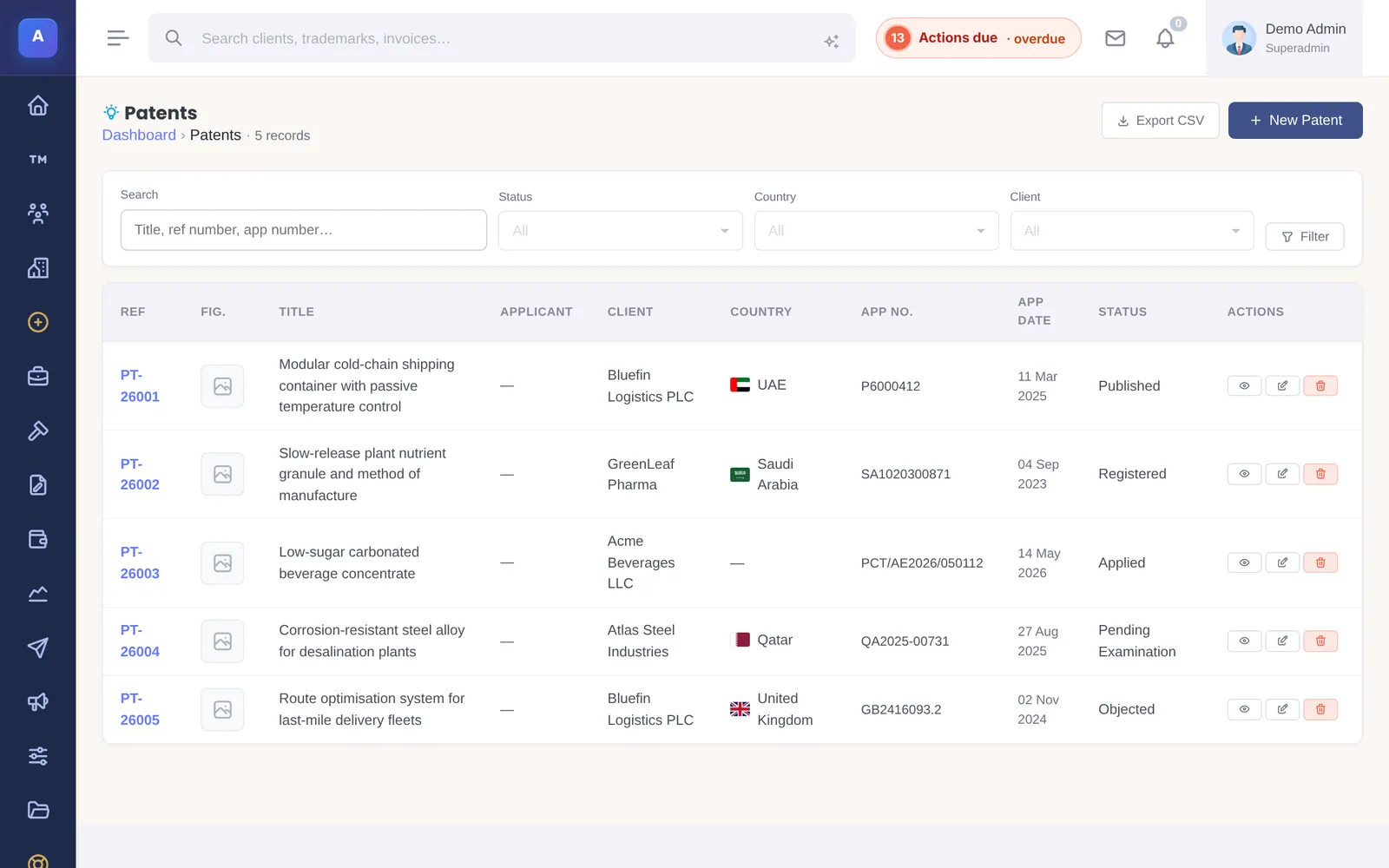
Patents live in their own list, with the same four-step flow as trademarks: the record, the invoice, the action required and the client update. A patent needs an English title; IPBases gives it the next patent reference number.
The record holds the abstract, inventors, IPC and CPC classification, dates and numbers, a provisional application, PCT details, description and notes, a cover figure and drawings.
Application types and status
Choose the application type (utility, provisional, continuation, continuation-in-part, divisional, reissue, design patent, PCT international or PCT national phase) and the route: national, international (PCT) or regional, such as EPO or GCC.
The status follows the application from draft and filing through search, examination, allowance and grant, or to refusal, abandonment, lapse or expiry.
Claims and office actions
- Claims are kept as independent or dependent, by type, with every amendment saved so you can see the claim’s history.
- Office actions record search reports, objections, rejections, allowances and interviews. When you respond, record whether you sent arguments, amendments, both, or a divisional.
- Priority claims track the twelve-month Paris Convention window.
PCT national phase and annuities
For a PCT application, list the designated countries and mark each one when national phase is entered. National phase entry is due 30 or 31 months from the priority date, depending on the country.
Annuities and renewal fees are kept as a schedule on the patent; mark each one paid when it is paid.
Automatic reminders
IPBases can remind you before patent deadlines, each with its own reminder windows and email template:
- Provisional application expiry
- PCT national phase entry
- Office action response deadlines
- Annuity and renewal fees
Turn them on and set the windows in System Setup › Email & Automation › Notifications.
How it connects
This part of IPBases takes information from the parts on the left and changes what appears in the parts on the right. When you change one of them, check the other.
Uses
Something unclear or out of date? Email [email protected].